
Add Text to PDF Online — Free & Private Editor
Add custom text to PDF pages with professional control over typography, colors, and positioning. Perfect for adding notes, filling forms, or adding labels—all while keeping your files 100% private on your device.
Why Use LocalPDF for Adding Text?
Privacy Guaranteed
Unlike other editors, we don't upload your documents. Your data is processed entirely in your RAM using client-side libraries.
Perfect Positioning
Drag and drop text boxes with pixel-perfect precision. Use fine-tuning controls for exact X/Y positioning.
No Branding
We don't add 'Edited with LocalPDF' watermarks. Your documents remain professional and clean.
Multi-Page Support
Easily navigate through pages and add text where needed. The tool handles documents of any size.
Offline Capability
Once the tool is loaded, you can add text even without an active internet connection.
Key Features
How It Works
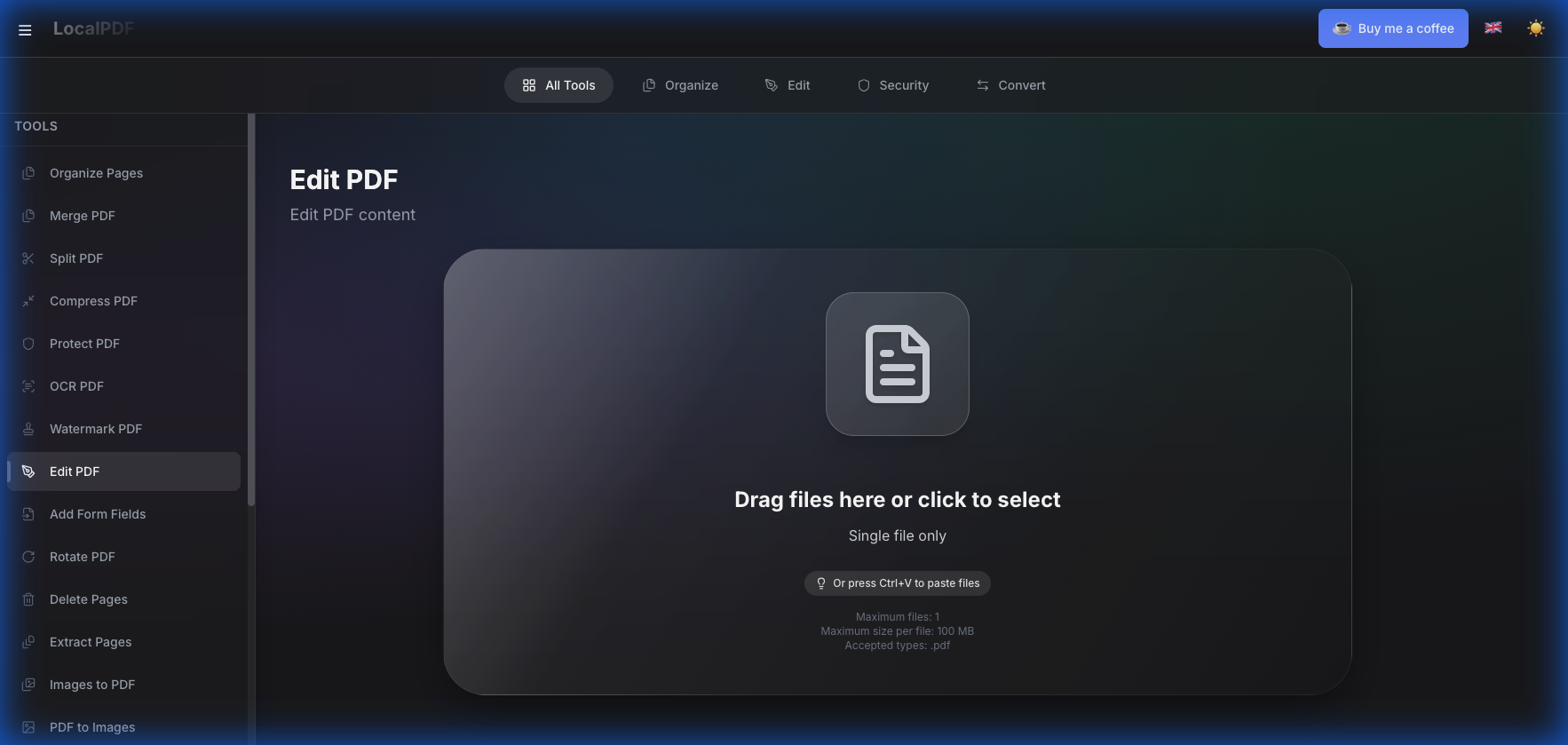
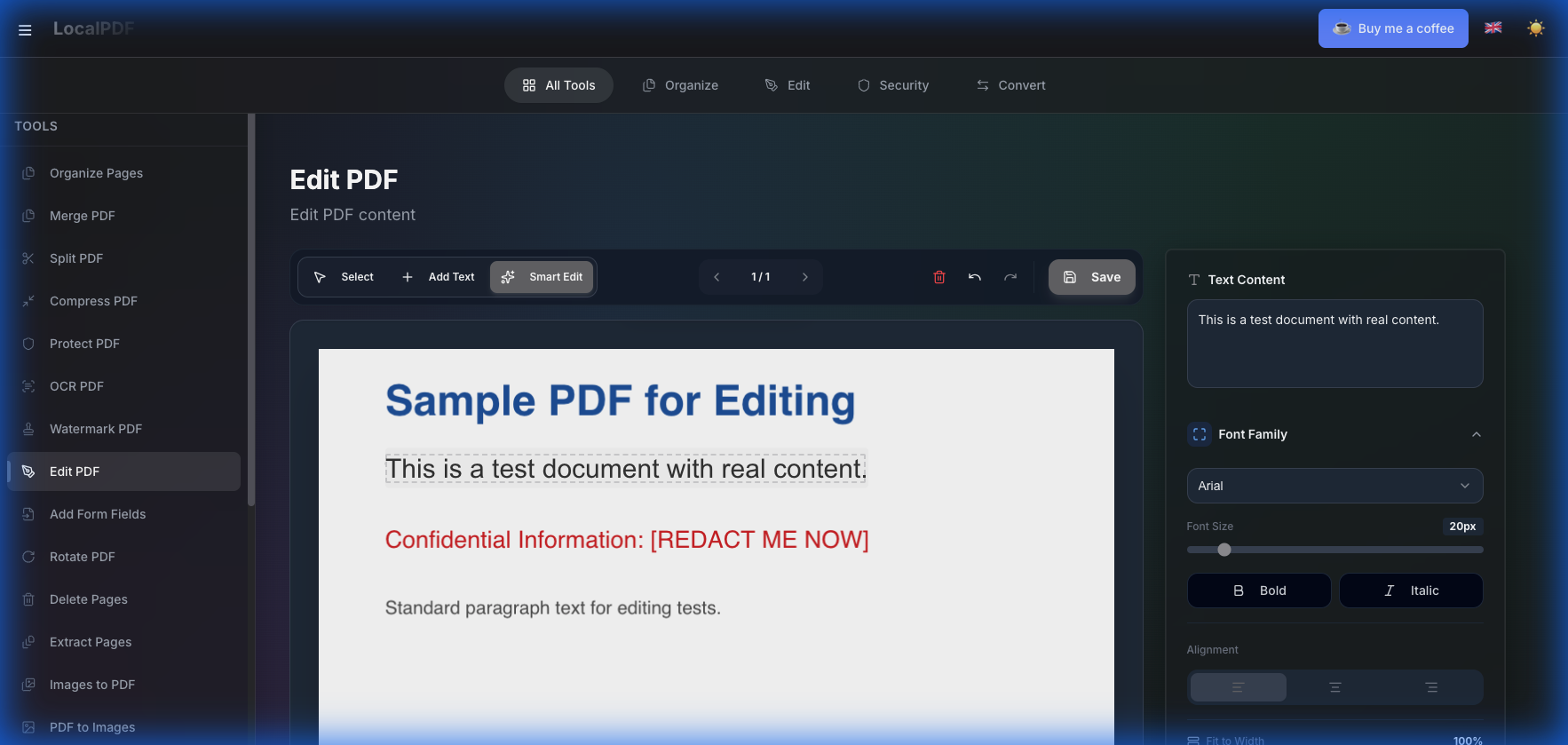
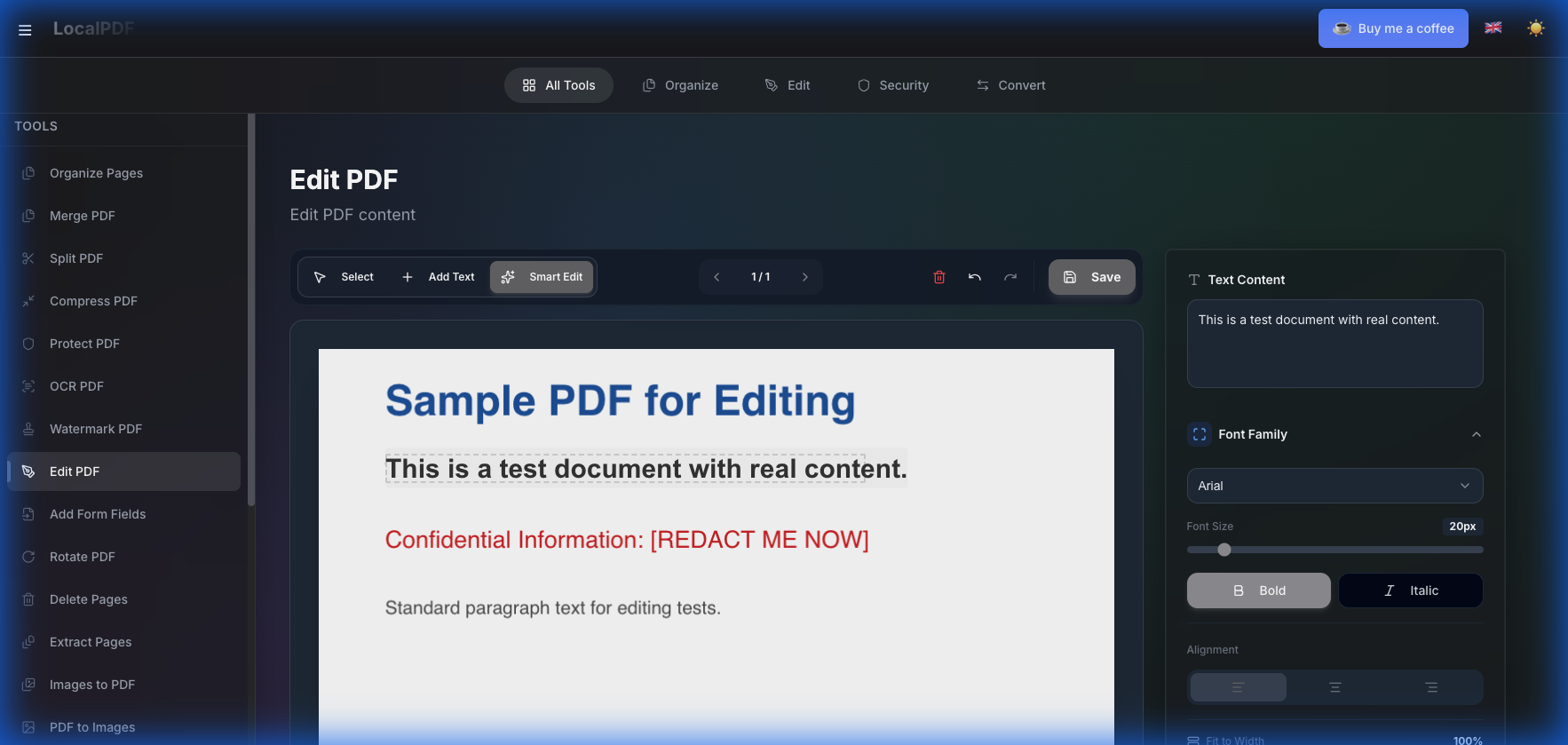
100% Private Sandbox: Your files never leave your device. All processing happens locally in your browser's secure memory.
Frequently Asked Questions
How to add text to a PDF for free without registration?
Simply use LocalPDF's Add Text tool. Upload your document, click the 'Add Text' button, type your content, and download the modified PDF. It's completely free, and you don't need to create an account.
Is it safe to type on a PDF online?
Most online editors upload your files to their servers. LocalPDF is different — our technology processes your document entirely in your browser. Your file never leaves your device, making it 100% private and secure for sensitive data.
Can I customize the font and color when adding text?
Yes, LocalPDF provides a professional styling panel. You can choose from popular fonts (Roboto, Helvetica, Courier), adjust font size, change colors, and even set text alignment (left, center, right) or fit to width.
Does this tool work on mobile devices?
Absolutely. LocalPDF is fully responsive and works on any modern web browser on iPhone, Android, tablets, and desktop computers. No installation is required.
Can I add text to multiple pages of a PDF?
Yes, you can navigate through all pages of your PDF document and add as many separate text boxes to each page as you need.
Technical Architecture: How it Works
Zero-Knowledge Architecture
Our system is designed so that your data is never seen by anyone else. Processing happens in the browser's secure memory space.
WebAssembly Performance
We use high-performance WebAssembly modules to achieve desktop-grade PDF processing speeds directly in your web browser.